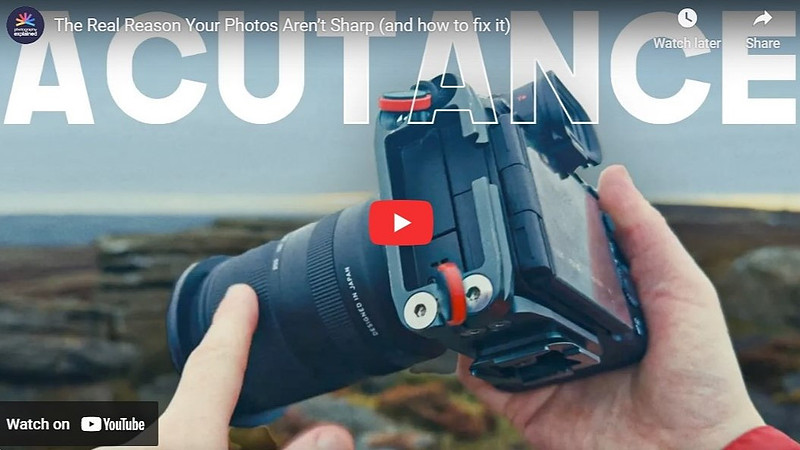
Acutance: The Real Secret Behind Sharp PhotosIn this video, Will Barron explains that what most photographers call “sharpness” is often really acutance — the illusion of sharpness created by strong contrast at edges, rather than an increase in actual detail. He begins by showing how two images with identical resolution can look dramatically different depending on how edge contrast is handled, making acutance a crucial concept for anyone editing photos. He then walks through Lightroom Classic’s Detail panel, breaking down how each sharpening slider affects acutance. Amount increases micro‑contrast along edges, while Radius controls how wide that contrast transition becomes. Detail determines whether Lightroom targets fine textures or broader edges, and Will stresses that pushing it too far can introduce noise and halos. The Masking slider is highlighted as the secret weapon: it limits sharpening to true edges, preventing smooth areas like skies, skin, or bokeh from becoming gritty. Will demonstrates how holding Alt/Option reveals a live mask, making it easy to apply sharpening with precision. He also explains how tools like Texture, Clarity, and Dehaze influence perceived sharpness by altering midtone contrast. The takeaway is clear: great “sharpness” comes from balancing detail, contrast, and restraint — not from cranking sliders.
|